
Quick answer: You can download a whole Pinterest board at once by pasting the board’s link into our free Pinterest video downloader, it packages the pins into a single ZIP file at original quality. Public boards only; secret boards can’t be downloaded by any legitimate tool.
Step 1: Copy the Pinterest Board Link
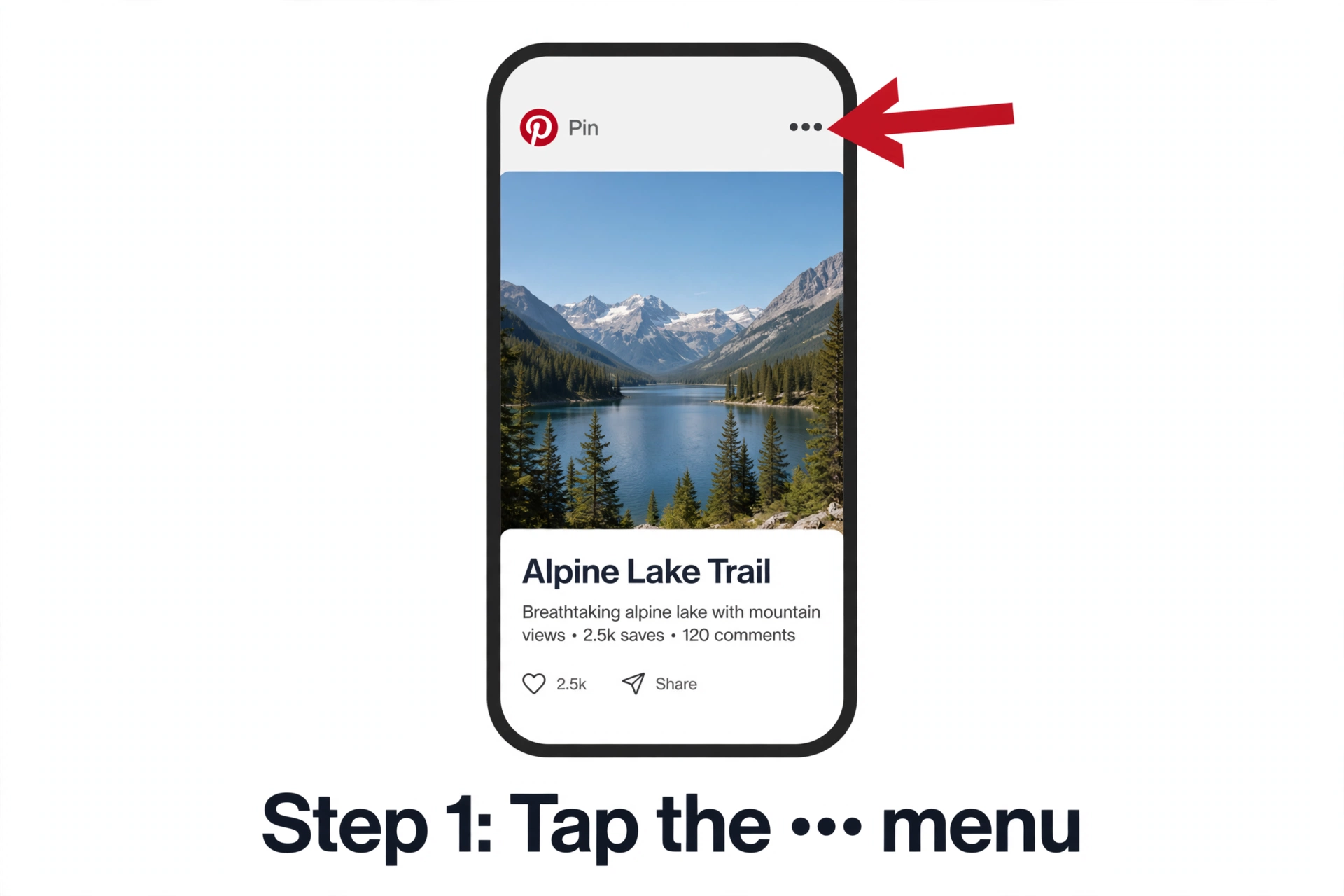
From the app: open the board, tap Share (or the ••• menu), then choose Copy link.
From desktop: open the board on pinterest.com and copy the URL from your browser’s address bar. A board URL looks like pinterest.com/username/board-name/.
Step 2: Paste it into the downloader
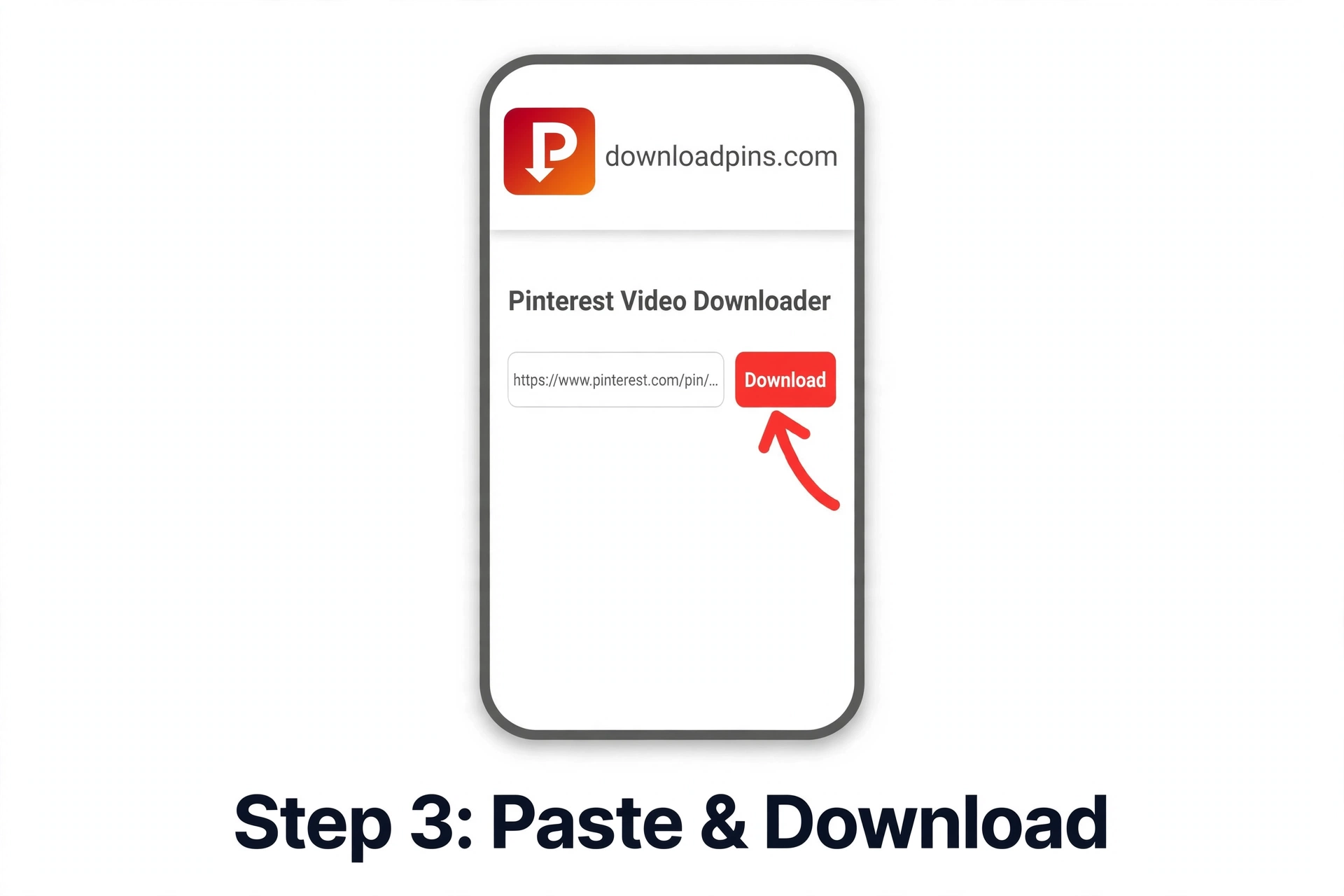
Go to downloadpins.com, paste the board link into the box at the top of the page, and hit Download. The tool reads the board and prepares a ZIP file containing the pins.
Step 3: Open the ZIP
- iPhone/iPad: find the ZIP in Files → Downloads and tap it to unzip.
- Android: tap the ZIP in your Downloads folder, most phones unzip automatically.
- Windows/Mac: double-click the ZIP to extract it.
What you get in the ZIP
Each pin becomes its own file inside the ZIP: videos save as MP4, animated pins as GIF or MP4 (whichever the original was), and images as JPG or PNG. Filenames are numbered so the board order is preserved. Quality is per-pin, the tool downloads the original file Pinterest serves, nothing is upscaled or compressed further.
Honest limits
- Public boards only. Secret boards and private pins are excluded, Pinterest doesn’t expose them to anyone but the owner, and no legitimate tool can bypass that.
- Large boards take time and produce big ZIP files. A board with hundreds of pins may take several minutes to package.
- Deleted or private pins are skipped silently, if a pin was removed after being saved to the board, it won’t be in the ZIP.
- Respect creators. Downloading a board is handy for offline mood boards and backups, but the images still belong to their creators, see our copyright guide before reposting anything.
Troubleshooting
The link isn’t recognized: make sure you copied the board URL (ending in the board name), not a single pin URL. If you pasted a pin link by mistake, you’ll get one file instead of a ZIP.
ZIP is smaller than expected: some pins on the board may be private, deleted, or video pins that failed to resolve, the tool includes everything it can reach.
Download stalls on huge boards: try again, or split the job by downloading a few sections. If the downloader isn’t working, the fixes guide covers the common causes.
Frequently asked questions
Can I download someone else’s public board?
Yes. Public boards are visible to everyone, and downloading them works the same as your own. The usual copyright rules still apply to what you do with the files afterward.
Do I need a Pinterest account?
No. Paste the board link and download, no login, no app install.
What format are the files in the ZIP?
Videos come down as MP4, animations as GIF or MP4 depending on the original, and images as JPG or PNG, always the original file Pinterest serves.
Is there a limit on board size?
There’s no hard cap, but very large boards (500+ pins) take longer to package and produce large ZIPs. If it times out, try again, or download in two passes.
Can I download a secret board I own?
No. Secret boards are only visible to you when logged in, and no third-party tool can access them. Make the board public first if you want a ZIP of it.
Does it work on iPhone?
Yes, Safari downloads the ZIP and the Files app unzips it with a tap. See our iPhone guide for the general workflow.